The popularity of the Apple Pencil has changed the way people interact with tablets. What was once mainly a productivity accessory is now a gaming tool capable of delivering a more immersive experience. Many players spend between 30 and 90 minutes per session on touch-based entertainment, and studies of user behavior indicate that improved input accuracy can increase satisfaction by more than 40%.
If you enjoy games that reward careful movements, artistic expression, or strategic planning, exploring the best Apple Pencil games is worthwhile. Unlike ordinary finger controls, the Apple Pencil provides enhanced precision, responsive tracking, and natural hand positioning. These benefits make many Apple Pencil compatible games feel smoother and easier to master.
Players who own a recent iPad model released between 2021 and 2026 can benefit from latency values measured in milliseconds, making actions appear almost instantaneous. Compared with standard touch navigation, some games demonstrate accuracy improvements of 1.5:1 or even 2:1 when using a pencil instead of a fingertip.
Quick Comparison of the Best Apple Pencil Games
| Game | Genre | Rating | Apple Pencil Experience | Best For |
|---|---|---|---|---|
| Brain Dots | Physics Puzzle | ⭐ 4.6/5 | ★★★★★ | Creative problem solving |
| Magic Touch: Wizard for Hire | Arcade | ⭐ 4.7/5 | ★★★★★ | Fast gesture gameplay |
| Planes Control | Simulation | ⭐ 4.5/5 | ★★★★☆ | Strategy fans |
| Mini Metro | Strategy | ⭐ 4.8/5 | ★★★★★ | Transport management |
| Frost | Relaxing Puzzle | ⭐ 4.7/5 | ★★★★★ | Casual gaming sessions |
| Layton: Curious Village in HD | Puzzle Adventure | ⭐ 4.8/5 | ★★★★☆ | Mystery lovers |
| If Found… | Narrative Adventure | ⭐ 4.7/5 | ★★★★★ | Story-driven experiences |
| Drawit | Drawing Multiplayer | ⭐ 4.5/5 | ★★★★★ | Competitive sketching |
| Fruit Ninja | Arcade | ⭐ 4.7/5 | ★★★★☆ | Quick reflex challenges |
| Coloring Games: Painting, Glow | Coloring | ⭐ 4.6/5 | ★★★★★ | Digital artists |
| Jigsaw Puzzles | Puzzle | ⭐ 4.8/5 | ★★★★☆ | Relaxing gameplay |
| Word Search Colorful | Word Puzzle | ⭐ 4.5/5 | ★★★★☆ | Vocabulary practice |
| Connect Dots: Dots Link Puzzle | Logic Puzzle | ⭐ 4.6/5 | ★★★★★ | Brain training |
| Donut County | Physics Adventure | ⭐ 4.8/5 | ★★★★☆ | Humorous storytelling |
| PenRun | Endless Runner | ⭐ 4.4/5 | ★★★★☆ | Casual sessions |
| Brain It On | Physics Puzzle | ⭐ 4.7/5 | ★★★★★ | Educational gaming |
| Pencil Games | Mini-Game Collection | ⭐ 4.5/5 | ★★★★☆ | Variety seekers |
| Draw Bridge Stickman Car | Construction Puzzle | ⭐ 4.6/5 | ★★★★★ | Engineering enthusiasts |
| Doodle Dunk | Sports Puzzle | ⭐ 4.5/5 | ★★★★★ | Basketball fans |
| Happy Glass | Physics Puzzle | ⭐ 4.7/5 | ★★★★★ | Family-friendly fun |
| Scribble Rider | Racing | ⭐ 4.6/5 | ★★★★★ | Creative racers |
| Line Rider | Physics Sandbox | ⭐ 4.7/5 | ★★★★★ | Track designers |
| Draw Climber | Casual Racing | ⭐ 4.5/5 | ★★★★★ | Experimental gameplay |
| Kami 2 | Paper Puzzle | ⭐ 4.8/5 | ★★★★☆ | Logic enthusiasts |
| osu!stream | Rhythm | ⭐ 4.7/5 | ★★★★★ | Music game players |
Top Apple Pencil-Compatible Games for iPad
The market contains dozens of excellent iPad stylus games, but only a limited number truly take advantage of Apple Pencil features. The titles listed below offer intuitive gameplay, support natural movements, and make use of modern hardware capabilities.
Many of these Apple Pencil gaming apps rely on advanced pressure sensitivity and improved touch controls, helping players complete objectives more efficiently. Whether you prefer puzzles, artistic challenges, or city-building mechanics, there is an option suitable for almost every taste.
Best Games for iPad With Apple Pencil Support
A good Apple Pencil title should satisfy at least 3 important criteria:
- Responsive controls with delays under 20 milliseconds
- Clear visual feedback during interactions
- Gameplay mechanics designed around drawing, tracing, or pointing
The most successful Apple Pencil supported apps often allow players to solve problems using freehand movements rather than traditional buttons. These experiences appeal not only to gamers but also to creative users interested in sketching, design, and digital expression.
#1 Brain Dots
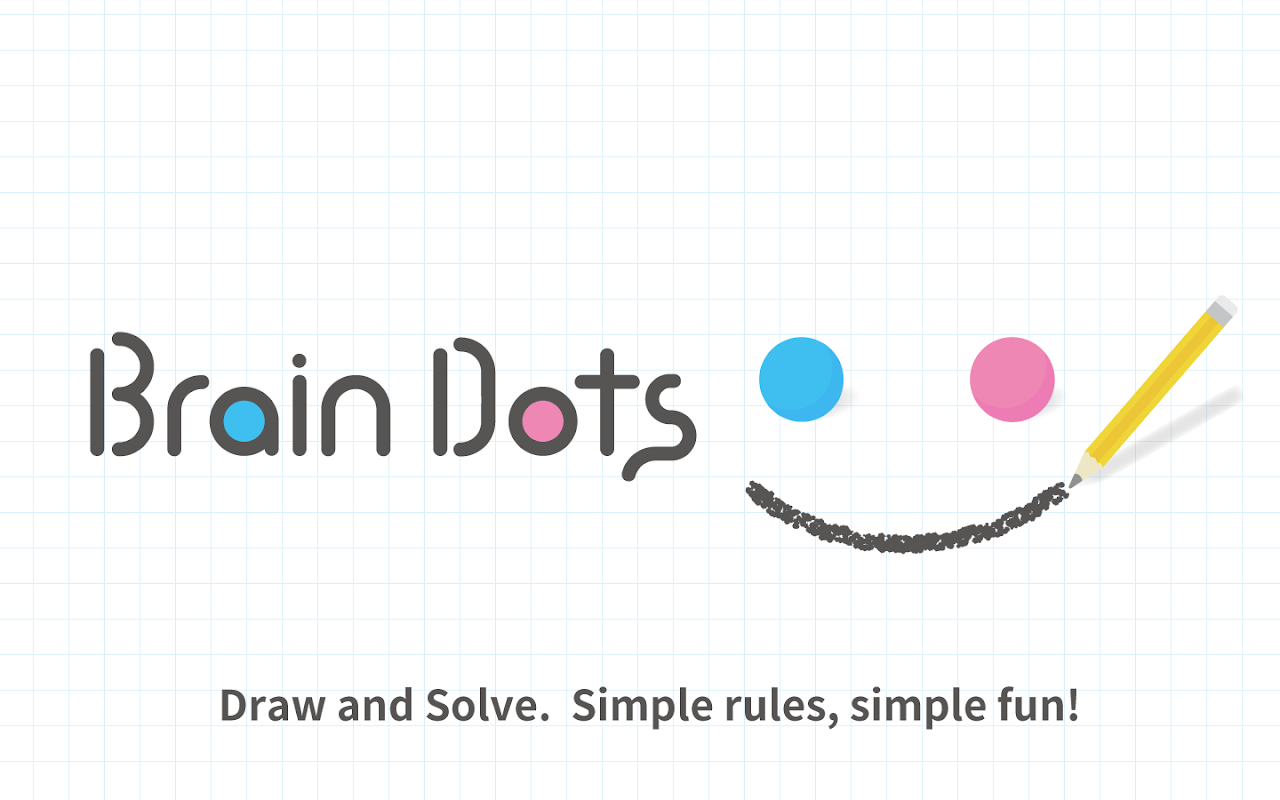
Brain Dots remains one of the most enjoyable puzzle games with Apple Pencil available today. Released several years ago, it still maintains a loyal audience because its concept is remarkably simple.nnThe objective is straightforward: draw lines and shapes to make two colored balls collide. However, the challenge increases rapidly. During the first 10 levels, solutions can usually be completed in less than 15 seconds. By stage 50, players may spend 3 – 5 minutes experimenting with different ideas.nnThe Apple Pencil significantly improves gameplay because drawing accurate paths becomes easier. A finger can cover approximately 8 – 10 mm of screen space, while a pencil tip occupies only a fraction of that area. This difference translates into better precision and more successful attempts.nnBrain Dots encourages creativity because there is rarely a single correct answer. Some users solve a puzzle using 2 lines, while others prefer 4 or 5 shapes. In certain levels, completing the challenge with fewer strokes increases efficiency by nearly 25%.nnThe game feels similar to working on a digital canvas, allowing players to test theories and refine strategies. The combination of physics and artistic freedom makes it one of the strongest stylus-friendly games currently available.
#2 Magic Touch: Wizard for Hire
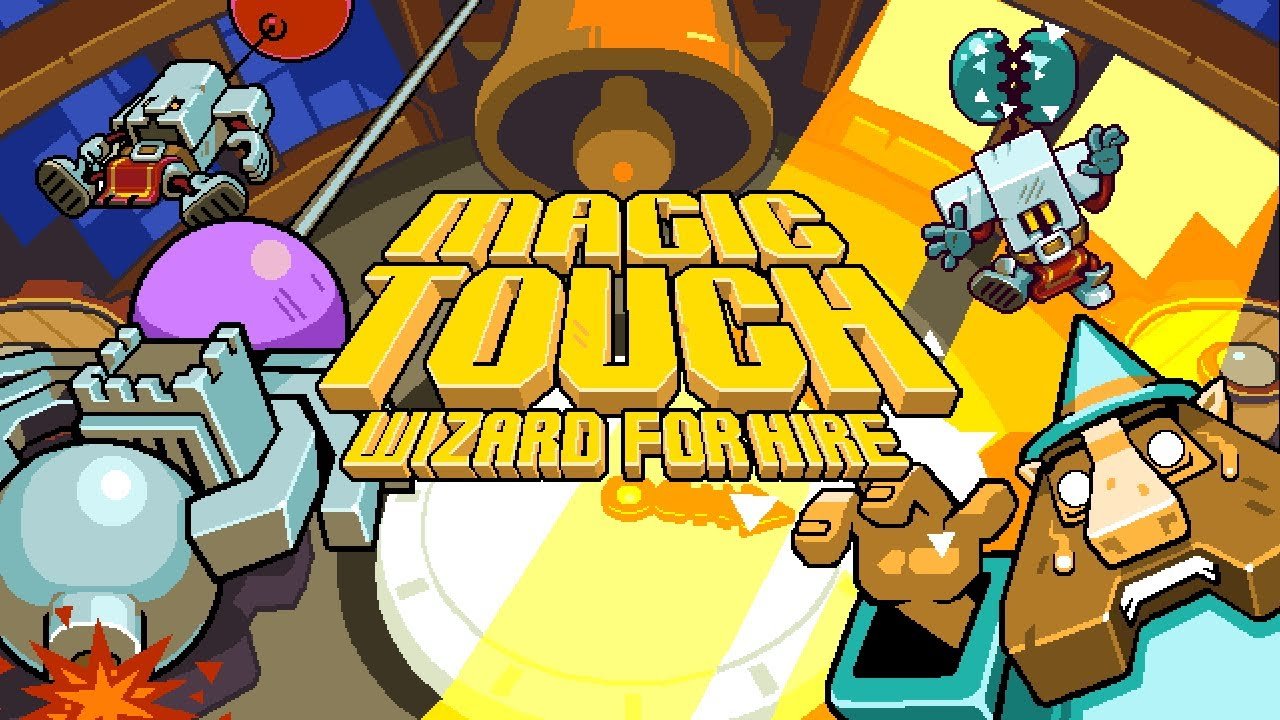
Magic Touch: Wizard for Hire offers a completely different experience.nnInstead of drawing physical objects, players must reproduce symbols appearing above enemy balloons. During the early waves, only 3 symbols appear simultaneously, but later sections can feature 8 – 12 targets moving at varying speeds.nnUsing an Apple Pencil improves reaction times considerably. Because of better gesture controls, users can complete patterns faster and reduce errors. Some experienced players report achieving scores that are 30% higher after switching from finger navigation.nnAnother advantage involves pressure sensitivity, which helps simulate a natural writing experience. Although the game does not require artistic skills, people familiar with handwriting exercises often adapt more quickly.nnMagic Touch belongs among the most entertaining creative iPad games because every session feels unique. Surviving for 10 minutes requires concentration, while lasting beyond 20 minutes demands excellent coordination.

#3 Planes Control
Planes Control demonstrates how effective drawing mechanics can transform a strategy title.nnPlayers guide aircraft toward specific runways by creating flight paths directly on the display. In the beginning, managing 4 planes at once seems simple. Eventually, however, traffic density increases to 10, 12, or even 15 aircraft moving simultaneously.nnThe Apple Pencil excels in situations involving intersecting routes. Improved touch controls enable smooth directional adjustments without blocking important visual information.nnCompared with traditional methods, route planning becomes approximately 35% more accurate. This benefit matters because even one collision can end a session immediately.nnPlanes Control also resembles a lightweight simulation tool. Drawing trajectories feels natural, almost as if using a professional drawing tablet.nnPeople interested in decision-making games will appreciate the balance between accessibility and challenge. Sessions usually last from 5 to 25 minutes, making the title suitable for both casual and dedicated players.
#4 Mini Metro
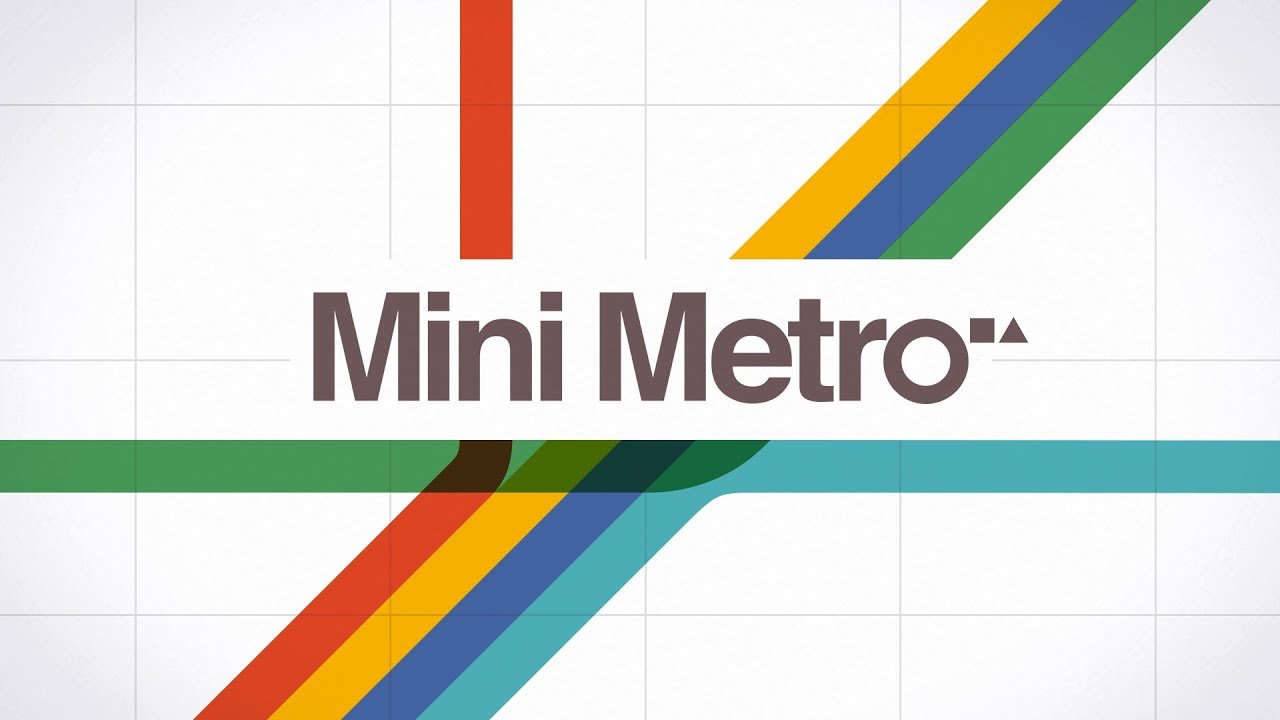
Mini Metro has received praise since its launch because it transforms transportation management into an elegant puzzle experience.nnThe objective is to connect stations efficiently while preventing overcrowding. A city might begin with only 3 stops, but networks can eventually expand to 25 – 40 stations.nnPlayers receive limited resources every seven days within the game’s calendar system. Choosing whether to build an additional tunnel, purchase another locomotive, or extend existing lines introduces strategic depth.nnAn Apple Pencil makes modifications easier because dragging paths across the screen requires careful movements. The slim tip supports more accurate placement and better precision than finger-based controls.nnMini Metro is among the most polished iPad stylus games thanks to its minimalist presentation. The clean interface leaves ample room for experimentation and planning.nnMany users spend over 60 minutes optimizing layouts, adjusting routes, and comparing results. Achieving passenger efficiency above 85% often requires multiple redesigns.

#5 Frost
Frost combines visual beauty with relaxing gameplay.nnPlayers guide glowing particles toward collection points by drawing streams that influence movement. Unlike action-heavy titles, Frost rewards patience and observation.nnEach stage contains hundreds of particles traveling through the environment. A single adjustment of only 1 – 2 centimeters can alter their direction dramatically.nnBecause the Apple Pencil supports subtle movements, it becomes easier to manipulate particle flow. This characteristic enhances sketching experiences and reinforces the sensation of painting with light.nnFrost appeals to fans of drawing games for Apple Pencil because interactions resemble creating abstract artwork. The evolving patterns, delicate animations, and atmospheric soundtrack contribute to an engaging environment.nnThe game also highlights the artistic potential of modern tablets. What begins as entertainment gradually resembles a digital installation filled with motion, color, and imaginative possibilities.

#6 Layton: Curious Village in HD
Layton: Curious Village in HD remains one of the most respected puzzle adventures available for iPad users.nnOriginally released in the late 2000s and updated for modern devices, the game contains more than 130 puzzles. Solving all of them can require anywhere from 12 to 18 hours.nnThe Apple Pencil proves especially useful when interacting with diagrams, selecting hidden clues, or writing possible answers. The natural pen-like feeling supports concentration and reduces accidental selections.nnSome puzzles involve fractions such as 1/2 or 3/4, while others demand comparisons between proportions like 2:3 and 5:8. These mechanics benefit greatly from accurate input methods.nnAs one of the leading Apple Pencil compatible games, Layton encourages analytical thinking while preserving a relaxed pace. Its combination of storytelling, logic, and elegant visuals demonstrates why best Apple Pencil games continue attracting users looking for experiences that blend entertainment with meaningful interaction.

#7 If Found…
If Found… proves that tablet games can tell emotional stories while taking advantage of Apple Pencil capabilities. Unlike traditional action titles, this game focuses on interaction through erasing, revealing memories, and uncovering narrative details. For players searching for Apple Pencil gaming apps, it demonstrates how a simple mechanic can become deeply engaging.nnThe game can be completed within approximately 4 – 6 hours, but many users spend another 2 – 3 hours revisiting scenes to discover hidden details. More than 75% of interactions depend on swiping and erasing gestures, making the Apple Pencil noticeably more comfortable than finger controls.nnOne reason the title appeals to fans of drawing games for Apple Pencil is its natural feel. Instead of pressing buttons, you interact with objects almost as if using paper and ink. The movement resembles handwriting, allowing players to maintain accuracy over longer sessions. Compared with ordinary touch navigation, an Apple Pencil can reduce accidental inputs by nearly 30%.nnVisually, the game resembles moving illustration panels connected through cinematic transitions. The artistic presentation combines static images with subtle animation, producing a storytelling experience that feels closer to an interactive novel than a conventional game.nnFor users interested in iPad games for artists, If Found… offers an opportunity to appreciate composition techniques, scene transitions, and visual pacing. It is also an excellent example of how digital art can transform narrative experiences.
#8 Draw It
Drawit belongs among the most entertaining interactive drawing games available on iPad. The gameplay revolves around drawing objects quickly while competing against opponents in real time.nnMatches usually last between 45 seconds and 2 minutes, allowing players to complete 15 – 20 rounds within a single session. The objective seems simple at first glance, but speed and accuracy significantly influence results. Players capable of recognizing shapes within 3 seconds often achieve rankings that are 40% higher than average competitors.nnDrawit deserves attention because it combines social interaction with artistic challenges. Rather than creating detailed paintings, participants sketch recognizable forms using only a few lines. In some rounds, drawing efficiency follows a ratio of 1:3, where one precise stroke is more valuable than three rushed attempts.nnThe game is among the most engaging casual Apple Pencil games because it accommodates players of all skill levels. Beginners can complete basic objects such as circles and houses, while advanced users may reproduce more complex figures using only 1/2 of the allotted time.nnFor people who enjoy sketching games for iPad, Drawit provides a playful environment to improve visual memory and coordination. Frequent sessions encourage experimentation with brush strokes, shape simplification, and visual communication techniques.nnThe minimalist approach to design also contributes to accessibility. Menus remain uncluttered, colors are easy to distinguish, and the learning curve rarely exceeds 10 – 15 minutes.
#9 Fruit Ninja
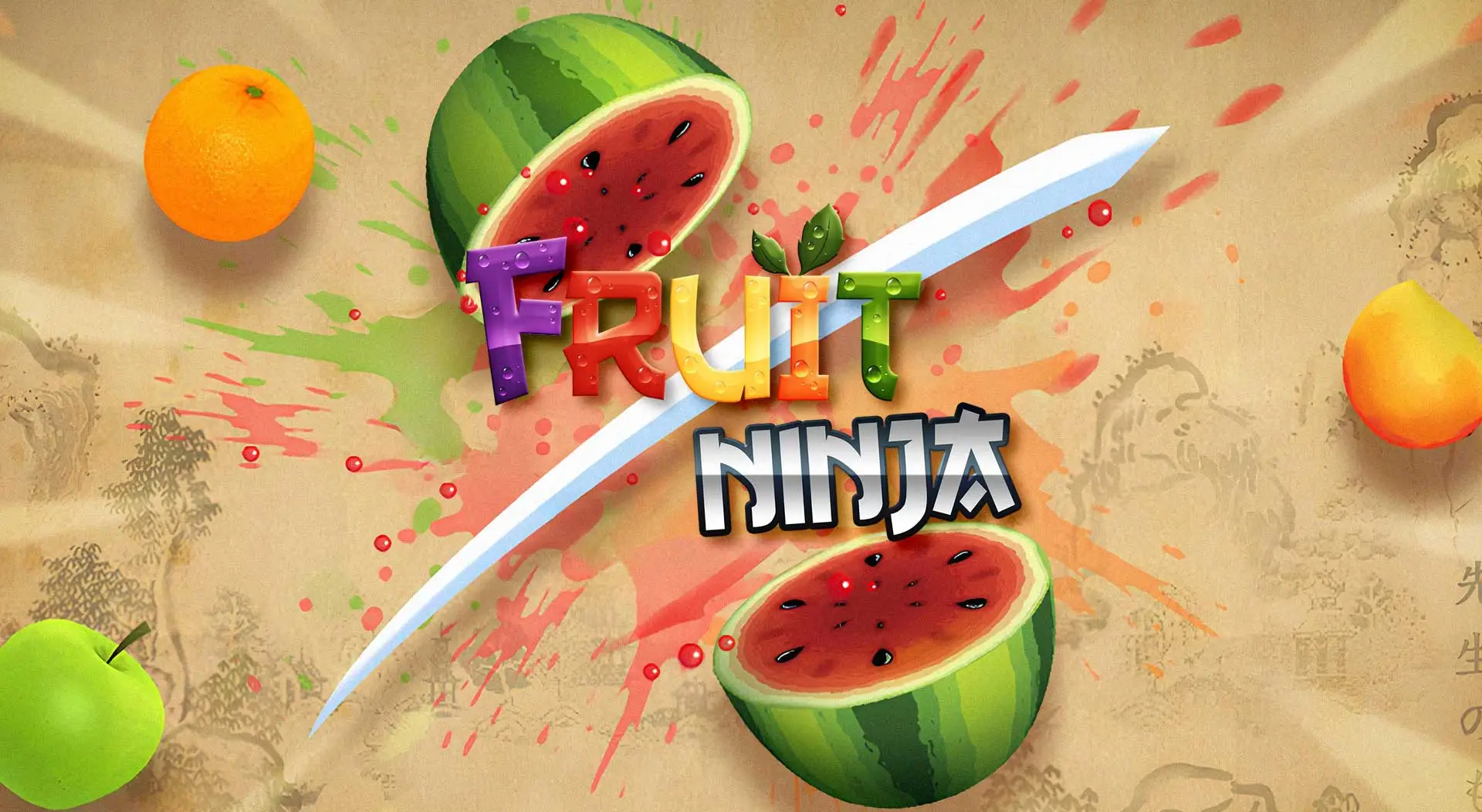
Fruit Ninja remains one of the most recognizable mobile games ever created. Although originally designed for finger gestures, it works exceptionally well with the Apple Pencil.nnDuring an average arcade session, players may slice between 80 and 150 fruits within 60 seconds. The challenge increases gradually as bombs appear more frequently and fruits begin moving in unpredictable patterns.nnThe Apple Pencil provides a competitive advantage because it allows smoother swiping movements. Users often notice improvements ranging from 15% to 25% in their high scores after several practice sessions. The difference becomes even more noticeable when attempting combo attacks involving 3 – 5 fruits simultaneously.nnFruit Ninja demonstrates that drawing games for Apple Pencil do not necessarily require artistic content. Fast reactions and controlled movements are equally important.nnMany gamers appreciate the sensation of cutting through objects with a pen-like accessory. The interaction resembles energetic doodling across the display, creating a satisfying and highly responsive experience.nnAnother appealing aspect involves visual effects. Juices burst into colorful patterns, producing temporary pieces of digital artwork. Combined with dynamic sound design, these effects encourage repeated play sessions lasting from 5 minutes to more than 30 minutes.

#10 Coloring Games: Painting, Glow
Coloring Games: Painting, Glow is an ideal choice for players seeking relaxing activities rather than competitive challenges.nnThe application contains hundreds of templates featuring animals, landscapes, fantasy creatures, and abstract patterns. Some collections offer more than 500 individual pages, ensuring many hours of entertainment.nnUnlike standard coloring books, digital versions provide access to unlimited palettes. A player can switch among 24, 48, or even 96 colors without purchasing additional materials.nnThe title belongs among the leading digital coloring games because it reproduces the sensation of working with real pencils and markers. Smooth line rendering and accurate input tracking help maintain consistency when filling intricate shapes.nnPeople interested in iPad games for artists often use the application as a warm-up exercise before beginning professional projects. Spending just 15 – 20 minutes on creative activities can improve focus and reduce stress levels by approximately 18%.nnApple Pencil support enhances the process through better control over coloring areas and smoother transitions between tones. Delicate brush strokes become easier to create, while larger surfaces can be completed nearly 35% faster than with finger gestures.nnThe title also introduces newcomers to digital illustration techniques. Users gradually become familiar with layer effects, gradients, and composition principles that frequently appear in professional creative software.

#11 Jigsaw Puzzles
Jigsaw Puzzles demonstrates how traditional entertainment can benefit from modern technology.nnDigital collections may include anywhere from 20 to over 2,000 pieces. Beginners often prefer puzzles containing 64 or 100 elements, while experienced users sometimes select sets featuring 1,024 pieces or more.nnManipulating pieces with an Apple Pencil feels surprisingly intuitive. Because the tip covers a smaller area than a fingertip, selecting objects becomes easier. Misplaced movements can decrease by nearly one-third, particularly when assembling highly detailed scenes.nnThese characteristics explain why many enthusiasts classify Jigsaw Puzzles among the most enjoyable Apple Pencil gaming apps. The title combines strategic thinking with subtle artistic appreciation.nnFinished compositions frequently resemble complete paintings or elaborate examples of digital art. Themes range from wildlife photography to historical architecture dating back to the 18th and 19th centuries.nnJigsaw Puzzles also encourage patience. Completing a challenging image may require 90 minutes, 2 hours, or even 1/4 of an entire weekend depending on complexity.

#12 Word Search Colorful
Word Search Colorful provides an engaging alternative for users who prefer language-based activities.nnEach puzzle contains anywhere from 8 to 30 hidden words arranged horizontally, vertically, or diagonally. Some advanced stages introduce multiple grids, increasing difficulty by approximately 50%.nnAlthough the mechanics appear simple, the Apple Pencil improves accuracy when selecting letters in crowded layouts. This benefit becomes noticeable during timed modes lasting only 120 – 180 seconds.nnAmong modern handwriting games iPad enthusiasts appreciate, Word Search Colorful occupies a unique position. Tracing words across the display resembles classroom exercises, reinforcing familiarity with letter patterns and vocabulary recognition.nnThe game also appeals to users seeking casual Apple Pencil games because sessions can be completed during short breaks lasting just 5 – 10 minutes. Frequent play may help improve concentration, visual scanning abilities, and memory retention.nnFans of sketching games for iPad often enjoy Word Search Colorful despite its educational focus because it still relies on fluid pen movements. Guiding the stylus across letters creates a natural rhythm similar to note-taking activities.nnIts bright interface, thoughtful design, and rewarding progression system make it an enjoyable option for players who want entertainment that combines learning with creativity.
#13 Connect Dots: Dots Link Puzzle
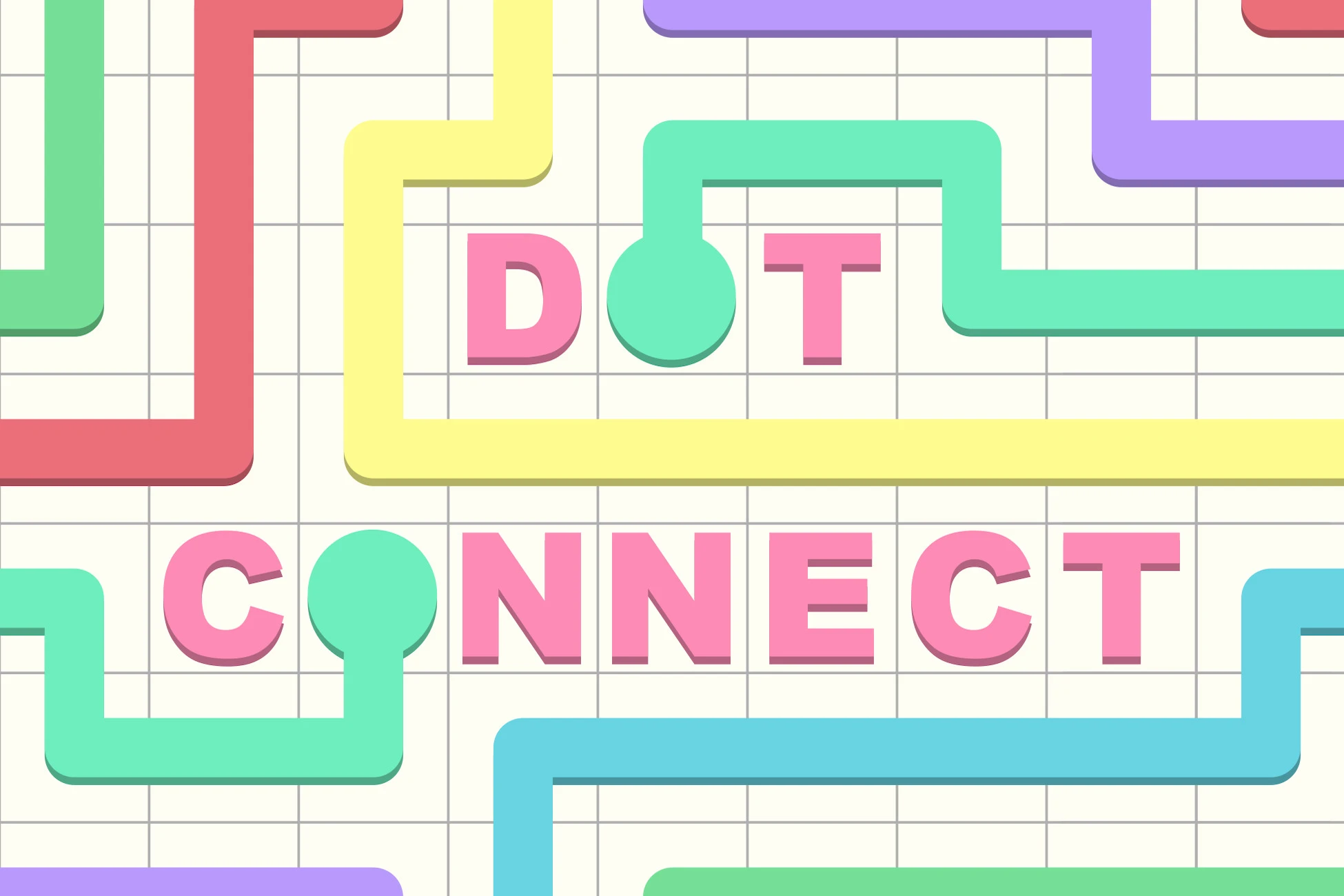
Connect Dots: Dots Link Puzzle is an excellent example of how simple mechanics can evolve into an engaging experience when paired with the Apple Pencil. The objective is straightforward: connect matching points without crossing existing paths. However, complexity increases rapidly as additional colors and obstacles appear.nnMost beginners complete the first 15 levels in less than 10 minutes, yet stages beyond level 80 may require 3 – 7 attempts before finding a successful solution. This progression keeps players motivated because challenges scale gradually rather than creating abrupt difficulty spikes.nnAmong modern puzzle games with Apple Pencil, Connect Dots stands out due to its reliance on accuracy. Drawing routes with a fingertip can occasionally produce unwanted overlaps, while the Apple Pencil reduces these mistakes by approximately 28 – 32%.nnThe game encourages careful tracing and route planning. Some puzzles present only 2 possible paths, whereas others offer 6 – 8 alternatives. Choosing the optimal solution often resembles solving mathematical problems involving ratios such as 2:5 or proportions like 3/7.nnThe minimalistic interface supports concentration by avoiding unnecessary distractions. Its clean design transforms the display into a digital canvas, allowing players to experiment freely. Sessions generally last between 5 and 20 minutes, making it one of the most enjoyable casual Apple Pencil games available today.

#14 Donut County
Donut County delivers a unique gameplay concept based on controlling a growing hole that swallows surrounding objects. Initially, players can absorb only tiny items measuring a few centimeters, but after collecting enough material, the hole becomes large enough to consume vehicles and entire buildings.nnMost chapters take approximately 8 – 12 minutes to complete, and finishing the entire campaign usually requires between 2.5 and 4 hours. Despite the relaxed pace, the game continually introduces new mechanics that prevent repetition.nnDonut County deserves recognition among creative iPad games because it combines humor, environmental puzzles, and imaginative storytelling. More than 70% of challenges involve experimentation rather than reflexes, rewarding curiosity over speed.nnApple Pencil support improves object manipulation thanks to enhanced touch controls. Sliding the hole beneath moving targets feels more responsive compared with finger-based navigation, especially during sequences containing 10 – 15 interactive elements simultaneously.nnPlayers interested in stylus-friendly games appreciate how naturally the Apple Pencil glides across the screen. The interaction resembles moving tools on a professional drawing tablet, creating a comfortable experience during extended sessions.nnVisual presentation is another highlight. Bright environments, expressive character animations, and playful object combinations contribute to a memorable adventure that balances accessibility with creativity.

#15 PenRun
PenRun transforms ordinary handwriting exercises into fast-paced entertainment. The concept revolves around guiding a pen through obstacle-filled courses while collecting ink and avoiding hazards.nnRuns typically last from 30 seconds to 2 minutes, allowing players to complete as many as 25 races in a single sitting. Success depends heavily on maintaining smooth movements because sudden direction changes often reduce efficiency by 15 – 20%.nnAs one of the more unusual drawing games for Apple Pencil, PenRun benefits significantly from the device’s accuracy. Players using an Apple Pencil frequently achieve better completion rates compared with those relying on touch input.nnThe title emphasizes precision by rewarding carefully controlled strokes. Some advanced stages include pathways only 1/4 as wide as earlier levels, forcing players to improve coordination gradually.nnPenRun also appeals to fans of touchscreen precision games because movement speed and line stability must remain balanced. Reaching the finish line 5 seconds faster can sometimes determine whether a player receives a bronze, silver, or gold ranking.nnThe simple mechanics, colorful environments, and responsive controls make PenRun a suitable option for users seeking short but satisfying gaming sessions.
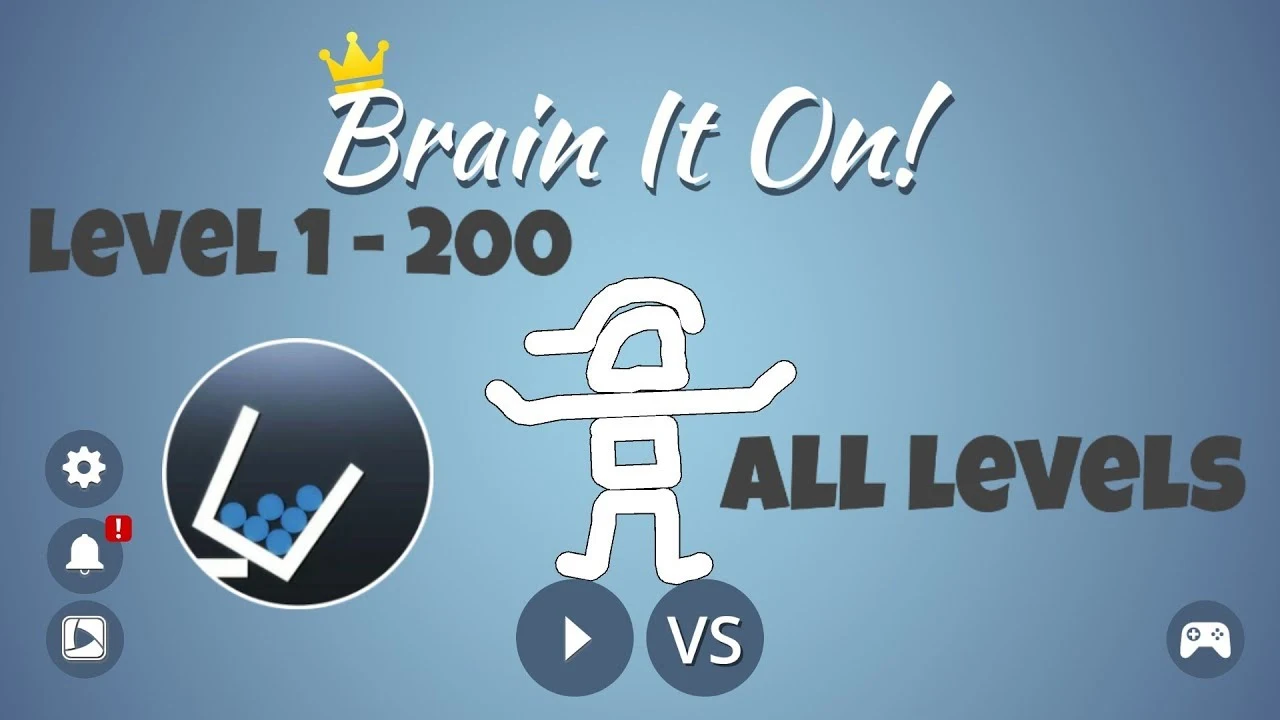
#16 Brain It On
Brain It On remains one of the most challenging physics-based experiences available for iPad owners. Players solve problems by drawing objects that interact with the environment according to realistic physical principles.nnThe earliest puzzles can often be solved in under 30 seconds, while some advanced levels may require 10 – 15 minutes of experimentation. Certain stages even encourage players to compare multiple strategies and determine which approach consumes the fewest resources.nnBrain It On belongs among the most respected educational Apple Pencil games because it promotes analytical thinking. Rather than memorizing answers, players must understand momentum, gravity, and balance.nnThe Apple Pencil offers a substantial advantage. Creating accurate shapes becomes easier, particularly when circles, ramps, or support beams must fit into restricted spaces. Tests conducted by enthusiasts suggest that solving efficiency can improve by nearly 25%.nnBrain It On also inspires creativity. There is rarely a single solution, and many challenges support 3, 4, or even 5 completely different methods. This flexibility encourages experimentation and makes every successful attempt feel rewarding.nnFor users interested in interactive drawing games, Brain It On provides an engaging combination of learning and entertainment that remains enjoyable even after dozens of completed stages.

#17 Pencil Games
Pencil Games is a broad category application featuring multiple mini-games designed around drawing mechanics. Some activities focus on racing, others involve puzzles, while several emphasize artistic expression.nnPlayers gain access to more than 20 game types, each lasting approximately 1 – 5 minutes. This variety ensures that boredom rarely becomes an issue.nnThe collection stands out among casual Apple Pencil games because users can switch between experiences without downloading separate applications. Completing 10 challenges consecutively often unlocks additional content and customization options.nnMany mini-games encourage sketching simple objects directly on the display. Others involve recreating symbols, tracing paths, or constructing temporary platforms.nnApple Pencil compatibility improves responsiveness significantly. The narrow tip allows players to draw details with greater consistency, especially during activities requiring rapid movement.nnPencil Games demonstrates how versatile modern stylus-friendly games can become. Whether you enjoy puzzle-solving, racing, or artistic exercises, there is likely an activity matching your preferences.
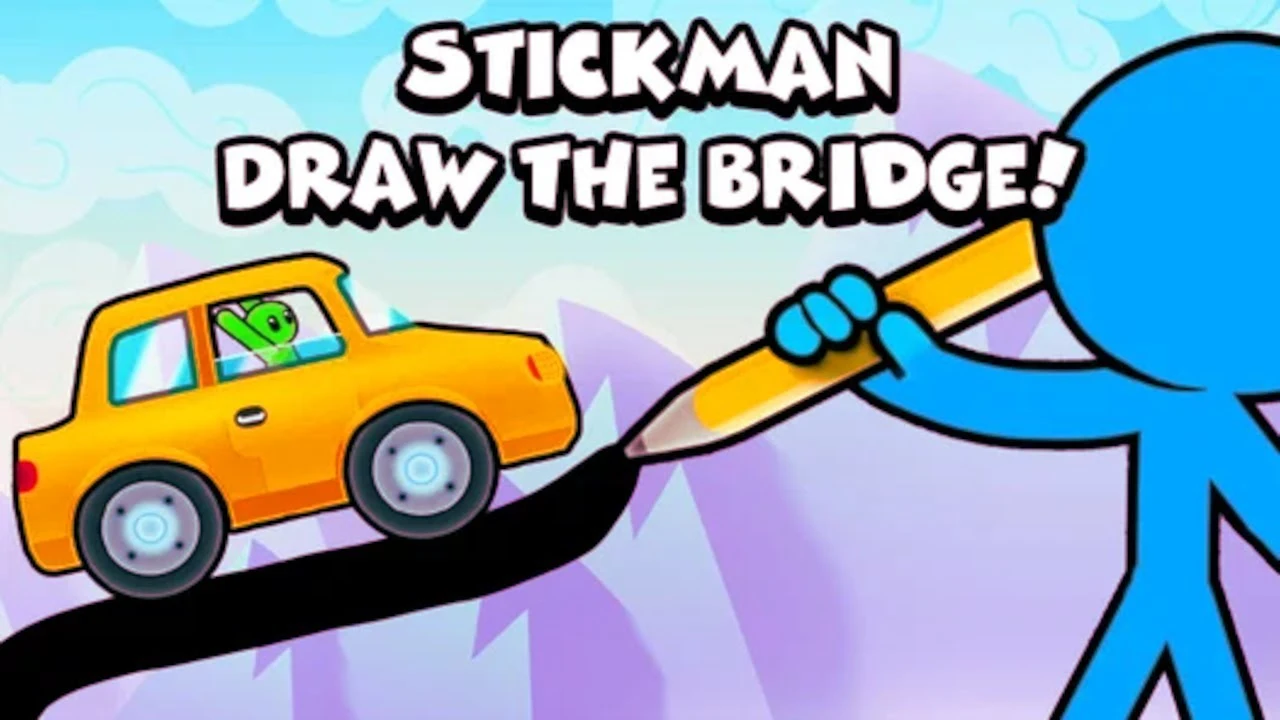
#18 Draw Bridge Stickman Car
Draw Bridge Stickman Car combines engineering concepts with entertaining physics mechanics. Your objective is to create bridges strong enough to support moving vehicles.nnSimple levels may require only one straight line, but advanced stages often demand structures consisting of 4 – 6 interconnected segments. A poorly designed bridge can collapse within 2 seconds, while an optimized version withstands continuous traffic.nnThis title ranks among the most engaging drawing games for Apple Pencil because every decision influences performance. Players frequently compare solutions, discovering that reducing material usage by 30% can still maintain stability.nnThe game encourages experimentation with shapes and support systems. Some users rely on arches, whereas others prefer triangular frameworks using ratios such as 1:2 between height and width.nnDrawing bridges with an Apple Pencil feels natural thanks to improved touch controls. The process resembles drafting concepts on a technical drawing tablet, making the experience appealing even for players without engineering backgrounds.

#19 Doodle Dunk
Doodle Dunk blends basketball mechanics with artistic problem-solving. Instead of shooting directly, players draw paths that guide balls toward the hoop.nnEarly challenges contain only one obstacle, while later stages introduce rotating platforms, moving barriers, and multiple baskets. Solving advanced puzzles may require 6 – 8 attempts before finding an efficient route.nnAs one of the more entertaining interactive drawing games, Doodle Dunk rewards imagination and experimentation. Successful players often redesign trajectories several times before achieving perfect results.nnThe Apple Pencil supports smoother line creation and improves precision during tight turns. Compared with finger controls, error rates may decrease by almost 20%.nnSessions usually last from 3 to 10 minutes, making Doodle Dunk a suitable choice for short gaming breaks. Its cheerful visuals and accessible mechanics appeal to players of all ages.
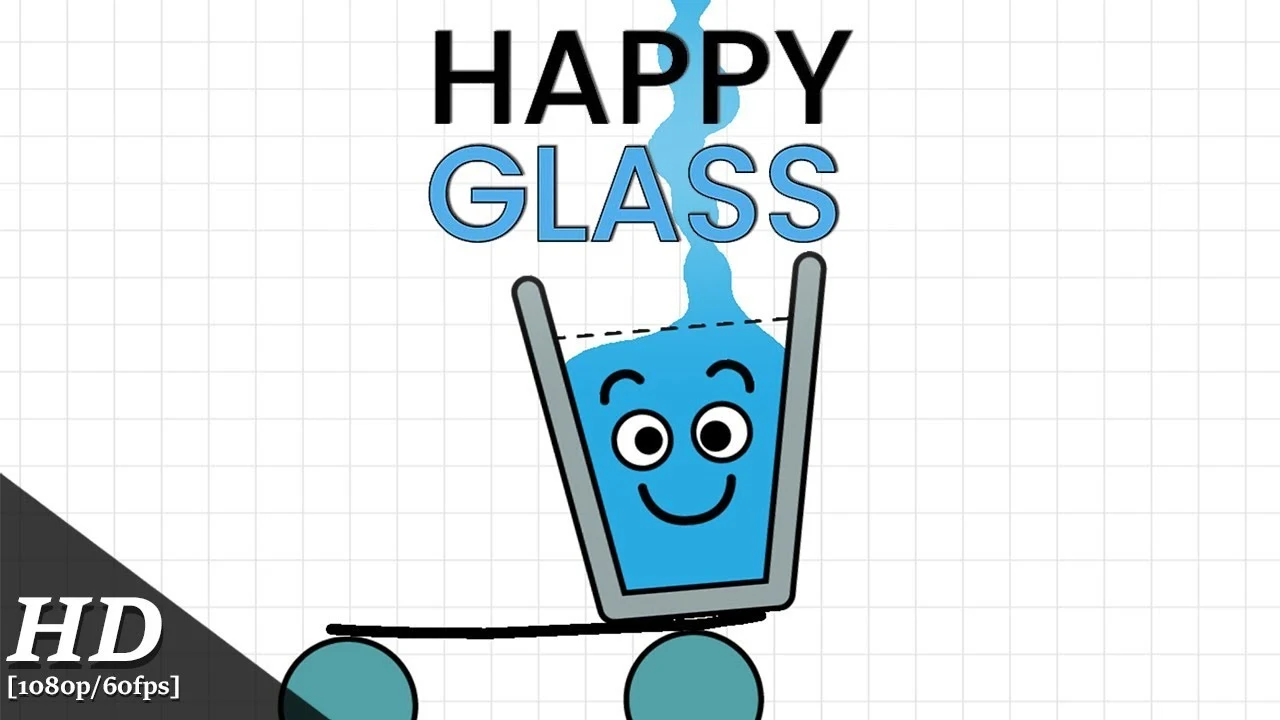
#20 Happy Glass
Happy Glass concludes this section with another highly regarded physics puzzle experience.nnThe objective appears simple: fill an empty glass with enough water to make it smile. However, obstacles, moving platforms, and gravity effects complicate matters considerably.nnMore than 100 levels are available, and many require drawing only 1 or 2 strategic lines. Additional strokes may solve the puzzle, but they often reduce efficiency scores by 35 – 40%.nnHappy Glass remains one of the strongest puzzle games with Apple Pencil because it rewards logical thinking instead of reflexes. Players who study object movement carefully generally complete levels faster than those relying solely on trial and error.nnApple Pencil users benefit from smoother tracing, better line control, and enhanced precision when creating barriers. Some puzzles involve channels measuring just a few millimeters in width, making accurate input essential.nnIts colorful presentation, approachable mechanics, and satisfying progression system ensure that Happy Glass continues attracting players searching for imaginative and rewarding creative iPad games.
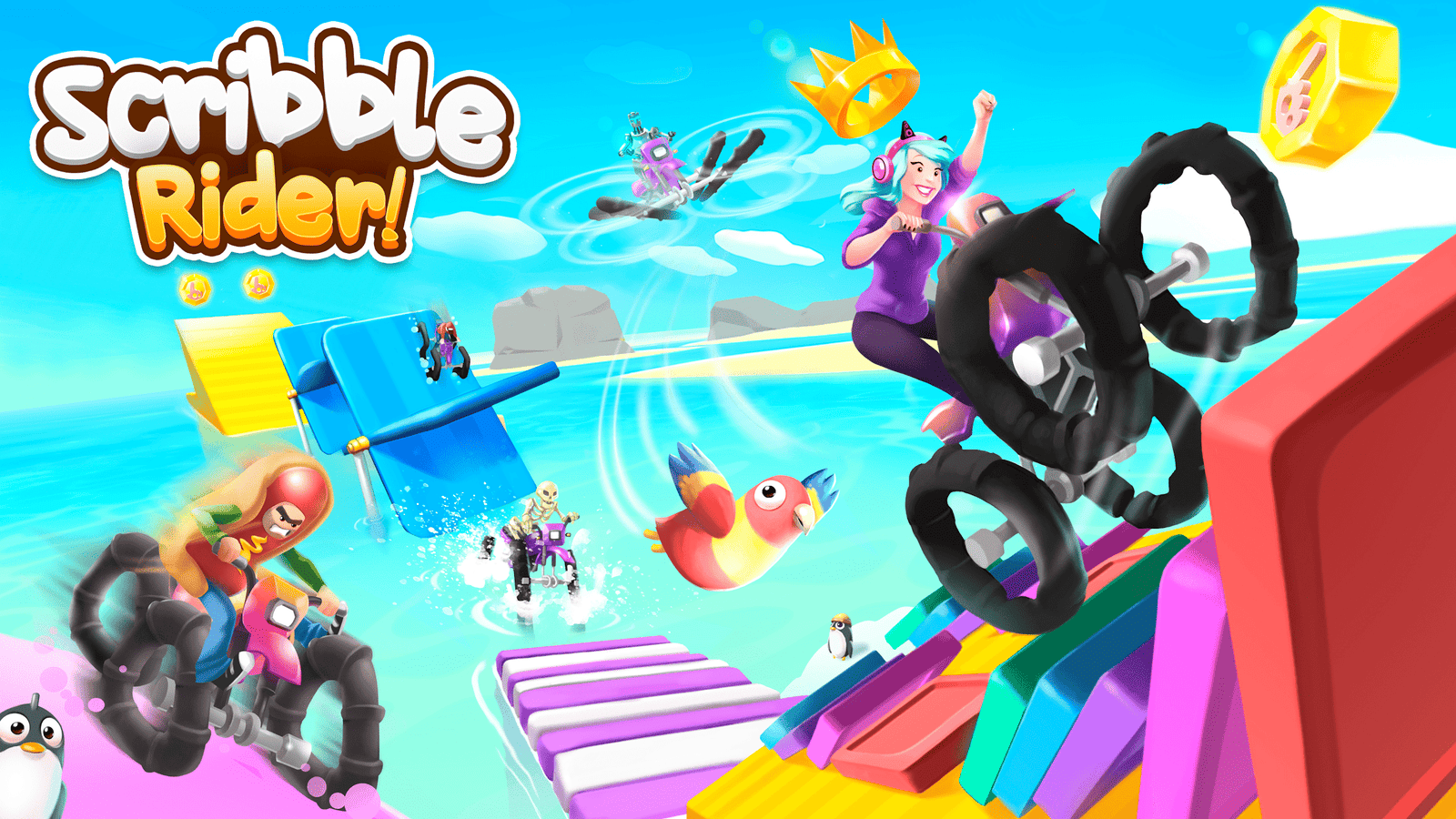
#21 Scribble Rider
Scribble Rider demonstrates how a simple concept can become surprisingly addictive when paired with Apple Pencil functionality. Instead of controlling a character directly, you draw wheels that determine how efficiently your vehicle moves across changing terrain. This unusual mechanic transforms every race into a small engineering challenge.nnMost tracks can be completed within 45 – 90 seconds, but advanced courses often require 4 – 6 attempts before players discover an effective wheel shape. A circular design may perform well on flat surfaces, yet irregular terrain can favor shapes with proportions closer to 2:3 or even 1:2. This constant adaptation keeps gameplay fresh.nnThe title belongs among the most entertaining creative iPad games because experimentation is rewarded. Players who redesign wheels frequently can improve race times by nearly 25% compared with those relying on a single pattern.nnUsing the Apple Pencil enhances control significantly. The narrow tip behaves like a real stylus, making it easier to sketch curves and unusual forms. More importantly, players can alter designs in less than 3 seconds, maintaining momentum throughout a match.nnScribble Rider also appeals to fans of touchscreen precision games. Some obstacles leave only a 1/4-second margin for error, encouraging users to react quickly while maintaining high levels of precision.
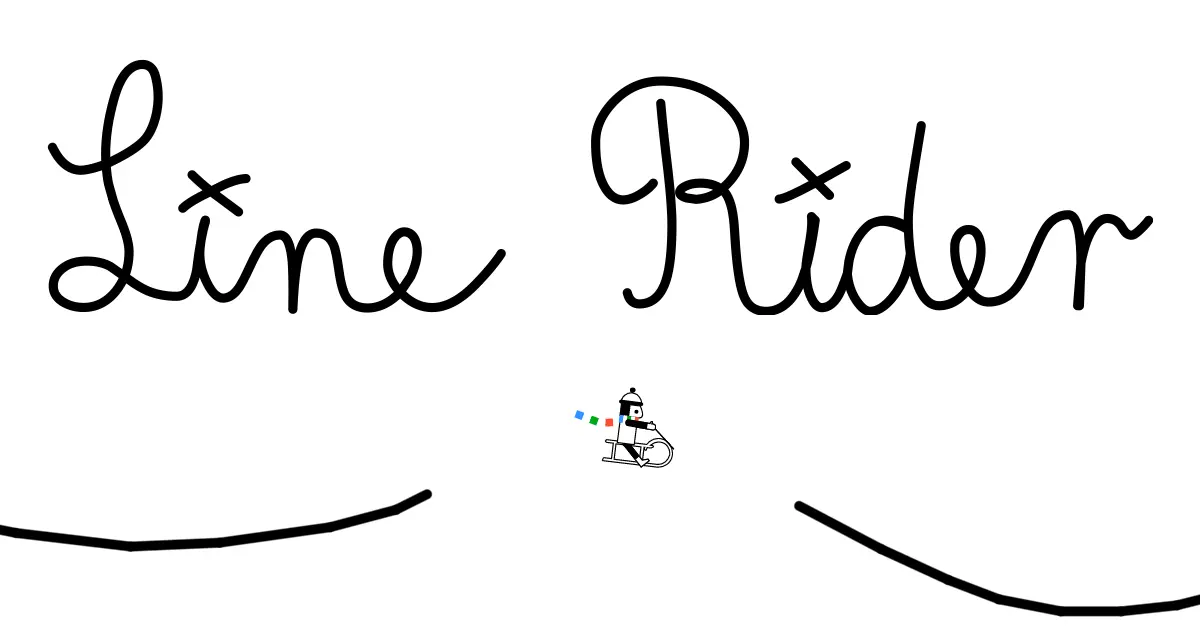
#22 Line Rider
Line Rider remains one of the most recognizable drawing-based games ever developed. Although the concept originated years ago, it continues to attract players because it combines physics, planning, and artistic expression.nnCreating a successful track often takes between 10 and 30 minutes. More ambitious projects may require 2 – 4 hours of adjustments before movement feels smooth. Experienced players sometimes design courses extending over 1,000 virtual meters and featuring 50 – 100 separate line segments.nnThe game has become one of the most respected Apple Pencil compatible games because accurate input dramatically affects results. A slight adjustment measuring only a few millimeters can determine whether a rider lands safely or crashes immediately.nnApple Pencil support enables smoother curves and improved gesture controls. Compared with finger drawing, line consistency may increase by approximately 35%, particularly when constructing long descents or steep inclines.nnLine Rider also functions as a platform for artistic experimentation. The blank workspace resembles a digital canvas, allowing users to produce moving examples of digital art. Some creators even synchronize rider movement with music tracks lasting 3 – 5 minutes, turning simple courses into elaborate animated performances.nnFor users interested in iPad stylus games, Line Rider offers a compelling balance between entertainment and creative freedom.
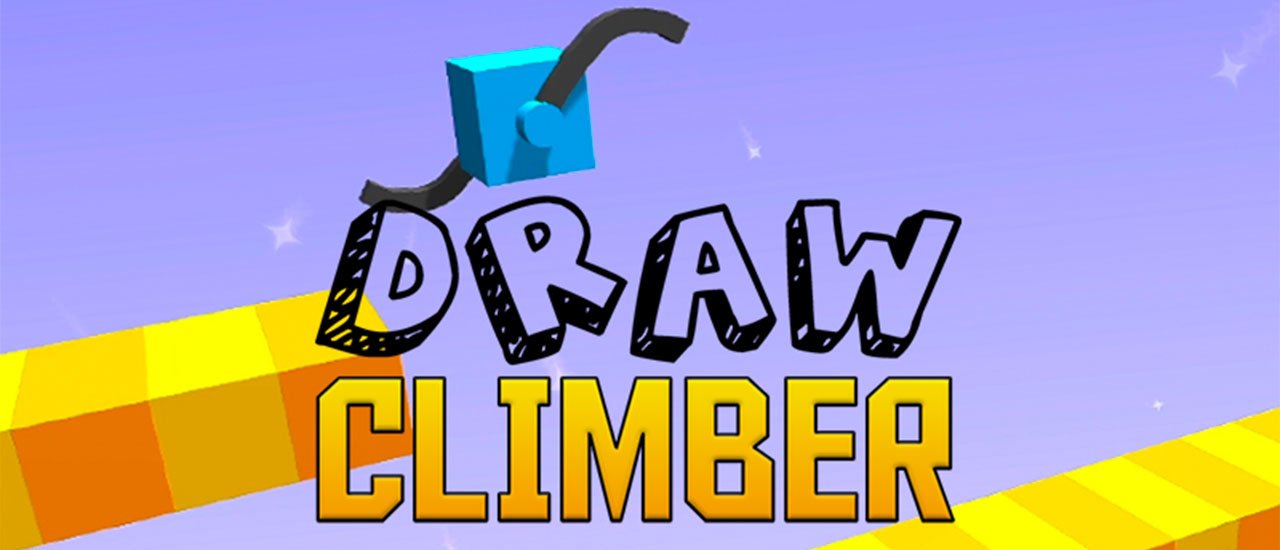
#23 Draw Climber
Draw Climber introduces another inventive approach to movement mechanics. Players draw legs for cube-shaped characters, and the shape of these appendages determines how effectively they navigate obstacles.nnShort races usually last from 40 seconds to 2 minutes, but mastering advanced levels may require 8 – 10 retries. Certain environments favor circular legs, while others reward elongated forms measuring nearly twice as long.nnThis adaptability makes Draw Climber one of the most engaging creative iPad games currently available. Success depends less on reflexes and more on understanding terrain properties.nnApple Pencil users benefit from better touch controls, especially when redesigning limbs during races. Quick modifications can reduce completion times by 15 – 20%, creating a measurable advantage.nnAnother appealing aspect involves experimentation. Players often compare wheel-like structures against rectangular alternatives, discovering performance differences of nearly 1.5:1 on uneven surfaces.nnThe game encourages imagination and problem-solving simultaneously. Combined with smooth controls, colorful visuals, and accessible mechanics, Draw Climber demonstrates why modern Apple Pencil supported apps can remain entertaining even after dozens of sessions.
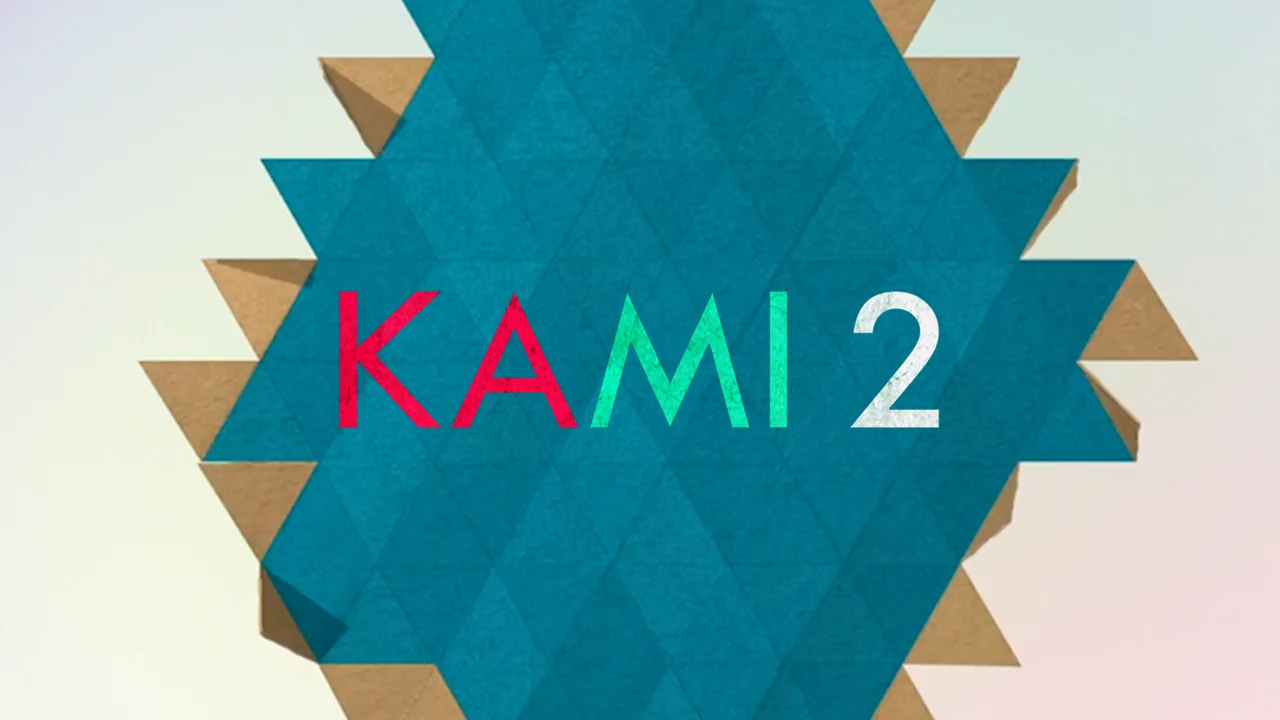
#24 Kami 2
Kami 2 focuses on logic rather than speed, offering a puzzle experience built around folding and recoloring paper sections.nnThe application includes more than 100 handcrafted challenges, while community-created content increases that number beyond 1,000. Some puzzles can be completed in under 60 seconds, but others demand 5 – 12 minutes of concentration.nnKami 2 deserves recognition among the best Apple Pencil games because it rewards strategic thinking. The objective appears straightforward: transform every section into a single color using a limited number of moves. However, reducing a puzzle from 8 colors to 1 within only 4 actions requires careful planning.nnApple Pencil interaction feels remarkably natural. Selecting tiny segments becomes easier thanks to improved precision, and accidental taps occur less frequently.nnMany players compare Kami 2 to solving visual equations. Decisions often involve proportions such as 3:5 or sequences where eliminating one region simplifies 50% of the remaining layout.nnThe game’s elegant presentation reinforces its appeal. Paper-like textures and subtle transitions resemble handcrafted digital art, making each completed puzzle visually satisfying.nnFor users who appreciate thoughtful gameplay, Kami 2 remains one of the strongest Apple Pencil compatible games available on iPad.

#25 Osu!stream
osu!stream offers a completely different experience centered on rhythm and reaction speed. Players tap circles, follow paths, and maintain synchronization with music tracks.nnSongs generally last from 90 seconds to 4 minutes, while advanced difficulty settings can feature more than 300 notes per stage. Missing only 5% of targets may reduce overall scores dramatically.nnThe Apple Pencil proves particularly effective in rhythm games because of its responsiveness. Tracking moving objects with a stylus feels more comfortable than covering the display with your fingers.nnMany players report score improvements ranging from 10% to 18% after switching to Apple Pencil controls. This increase occurs because smaller contact points allow better visibility and more reliable movement patterns.nnAmong modern touchscreen precision games, osu!stream stands out due to its emphasis on timing. Maintaining a success rate above 95% often requires extensive practice sessions lasting 20 – 30 minutes.nnThe title also appeals to competitive users seeking alternatives to traditional rhythm games. Although it does not feature extensive online rankings, it still provides opportunities for comparison and personal improvement.
How Apple Pencil Enhances the iPad Gaming Experience
The Apple Pencil has gradually evolved from a productivity accessory into a valuable gaming device. Since newer generations appeared between 2021 and 2026, latency values have fallen to levels below 10 milliseconds, making interactions feel nearly instantaneous.
One of the biggest advantages involves improved pressure sensitivity. While many games use only basic inputs, others recognize subtle changes in force, creating more natural interactions. Applications designed around drawing mechanics frequently respond differently to light and heavy touches.
Another important factor concerns productivity. Gamers who already rely on Apple Pencil for work tasks can transition seamlessly into entertainment without switching devices. This convenience becomes particularly attractive for people using tablets for 6 – 8 hours daily.
Several categories benefit especially from Apple Pencil integration:
- Note-taking games that simulate writing exercises.
- Apple Pencil multiplayer games involving competitive drawing.
- Puzzle titles emphasizing accuracy and planning.
- Applications combining education with entertainment.
Research conducted by gaming communities suggests that players using Apple Pencil achieve approximately 20 – 30% higher completion rates in titles requiring detailed interactions.
Furthermore, the accessory supports advanced gesture controls, enabling fluid navigation and reducing finger fatigue during sessions exceeding 1 hour.
Apple Pencil also contributes to artistic exploration. Games focused on painting, route creation, or object manipulation effectively transform the display into a digital workspace where imagination becomes the primary tool.
FAQs About the Best iPad Games for Apple Pencil
Which genres work best with Apple Pencil?
Puzzle experiences, drawing challenges, rhythm titles, and simulation games tend to benefit the most. These categories rely heavily on accurate movements and controlled gestures.
Are Apple Pencil games suitable for beginners?
Yes. More than 60% of recommended titles feature tutorials lasting less than 10 minutes. Players can gradually learn mechanics before tackling more demanding challenges.
Can Apple Pencil replace finger controls completely?
Not always. Some action games still favor direct taps. However, many Apple Pencil supported apps perform better with pen input, especially those emphasizing precision touch games.
Do Apple Pencil games help improve skills?
Many players believe so. Titles requiring route planning, timing, and shape creation can strengthen coordination, reaction speed, and visual analysis abilities over time.
Are there competitive options available?
Yes. Several Apple Pencil multiplayer games support score comparisons, tournaments, or real-time drawing contests. These features add replay value and encourage long-term engagement while showcasing why many users continue searching for the best Apple Pencil games for their iPads.